

Overview
Live football widgets for your website. Design them in the configurator, save, and paste one block of code.
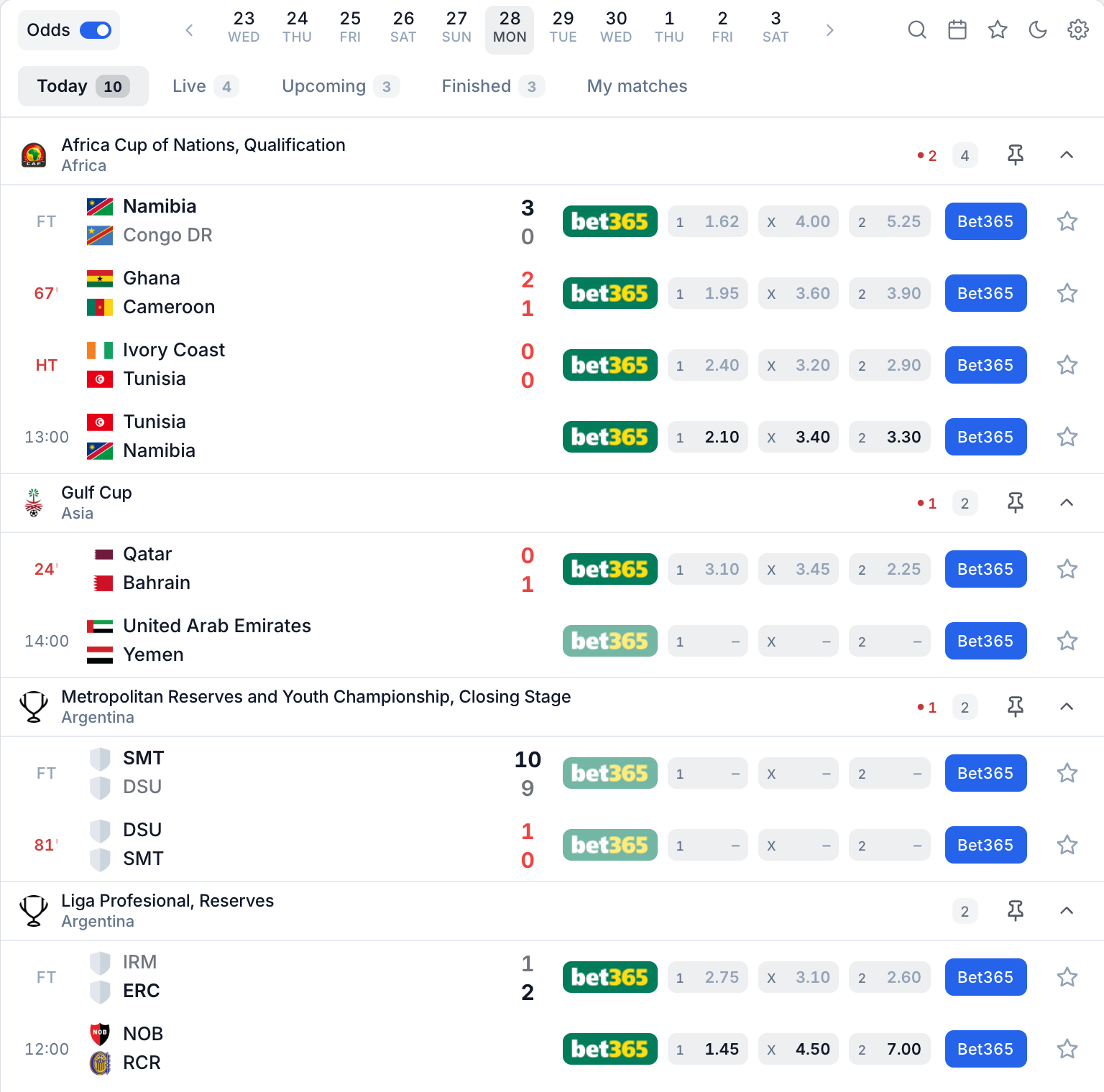
Widgets V2 are ready-made football widgets: live scores, matches, competitions, teams and players, with SoccersAPI data. You design them in the configurator of your SoccersAPI account and paste the code it gives you into your website. A standard installation needs no programming.
If you need raw football data for your own product, use the SoccersAPI API instead.
Start here
Quickstart
Your first widget on your site in about ten minutes.
Choose a widget
Livescore, or one match, competition, team or player.
Add the widget to your site
The installation code, and where to paste it.
Troubleshooting
The widget does not show, or does not look right.
How it works
- Approve your domain. The widget only runs on the domains you add in the admin.
- Design the widget. Pick a widget and a template, then adjust colours, tabs, what clicks open and the features of your plan. The preview shows every change live.
- Save. Saving is what puts the design live on your domains. There is no separate publish step.
- Copy the code from Get code and paste it into your page.
- Change it whenever you like. Save again and your site updates by itself, within about 30 seconds. The code stays the same.
What your plan changes
| Free | Starter | Pro | Ultra | |
|---|---|---|---|---|
| Widgets | Livescore | Livescore | All six | All six |
| Installation | Iframe | Script and tag | Script and tag | Script and tag |
| Approved domains | 1 | 1 | 3 | 10 |
| Your odds, affiliate links and banners | ✓ | ✓ |
Details and limits are in Plans and limits. Prices are on the widgets page.
Words you will see
| Word | Meaning |
|---|---|
| Configuration | A saved design with its settings. Every account has a Default / current one; paid plans can keep more. |
| Domain | A website where the widget may run, such as example.com. Each domain loads one configuration. |
| Save and apply | Saves the default configuration and puts it live. |
| Get code | The tab that gives you the installation code for a domain. |
| Item | A match, competition, team or player. The configurator calls them entities. |
| Navigation mode | What opens when a visitor clicks an item: a window, the widget itself, a floating card, your own page or nothing. |
| Current plan | The configurator column with the features of your plan. In the public playground it is called Pro controls. |
| Dynamic Pages | An add-on that links your livescore to your own page for every item. |